Remote Access Compliance
To take a quick screenshot of the active window, use the keyboard shortcut Alt+PrtScn. This will snap your currently active window and copy the screenshot to the clipboard. You can then paste it into an email or other document.
To paste your screenshot -
Click in the email or document where you want to paste the screenshot.
Press Ctrl+V or Right click your mouse and choose paste.
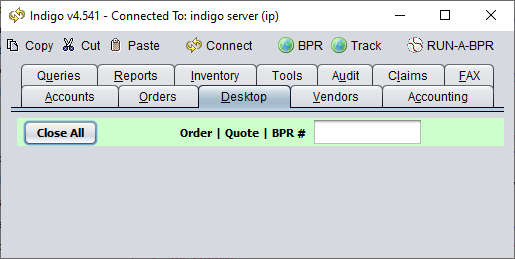
Simply open Indigo and screenshot the main window. The version number appears in the title bar.